No prompt
How to Make AI Videos Without Writing Prompts
There is no box to describe the video. You choose a template, add the photos it asks for, and start.
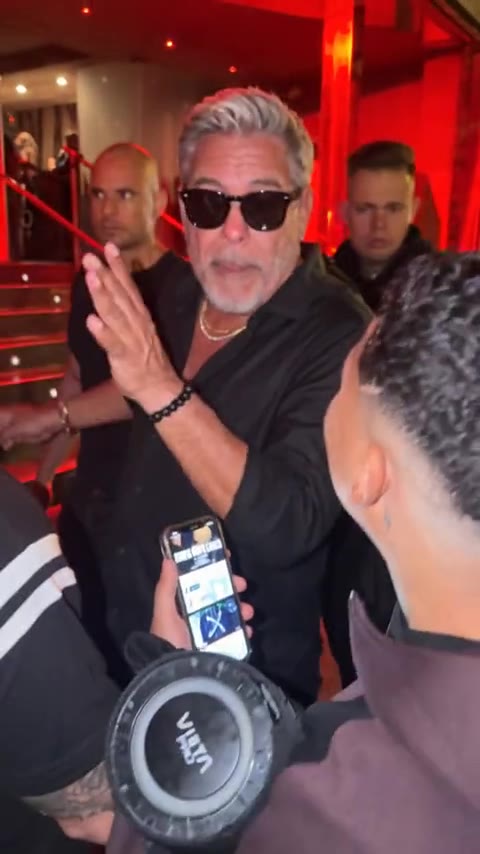
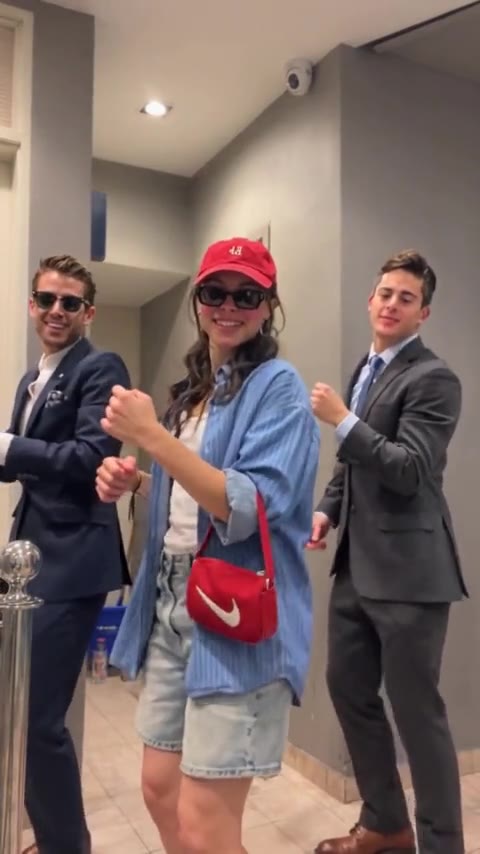
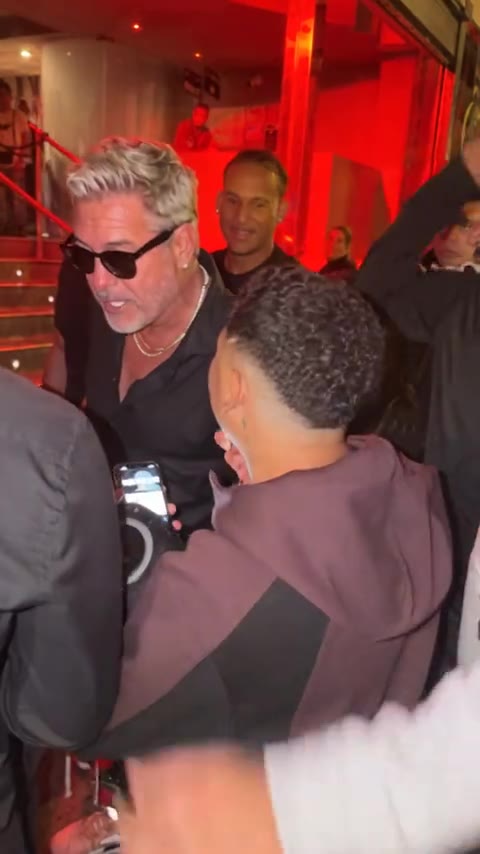
The template already holds the scene. On Bulin 47 that is a packed room under red light, one person in the center, hands moving, people filming. On the trio it is a hallway dance for three. On Hotel Lobby it is an orange wall and a microphone between two people. You do not type any of that. Opening the template is the instruction.
Your input is the photos. One clear face per slot, the number of slots the page shows, JPG, PNG, or WEBP up to 10MB. A front-facing picture in ordinary light is the useful kind. A group photo gives the run too many faces, and a heavy filter gives it too little.
- 01
Open the template
Play the preview. That finished clip is what you are making, with your photos in it.
- 02
Fill the photo slots
Person 1, and Person 2 or Person 3 when the clip has them. The label says which spot each photo takes.
- 03
Start
One run, 10 credits, about 15 seconds. Nothing else to fill in. A failed run returns the credits.
- 04
Watch the file
If you wanted a different room or a different dance, open the other template. The sentence you would have written is the preview you pick.
The download has no soundtrack. Add the trend's sound inside TikTok when you post. On Reels, add it inside Instagram. You download the file and publish it yourself.
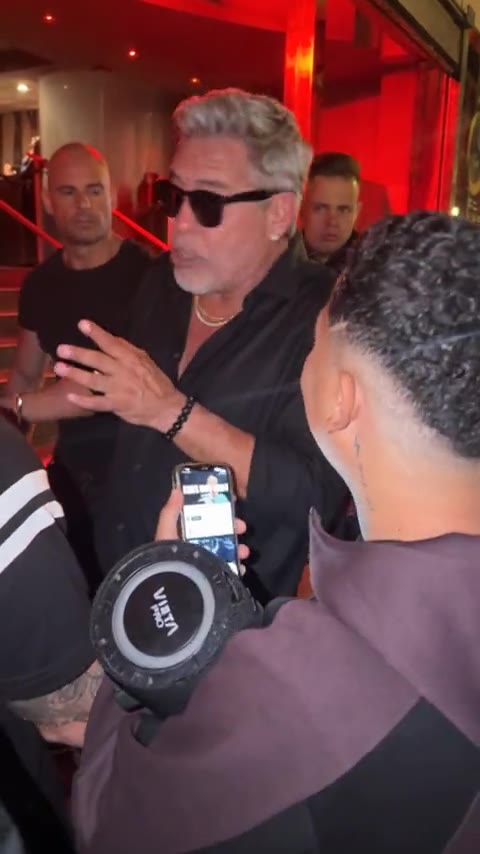
Bulin 47
One template. No sentence to write.
Add one photo and start. The clip is 15 seconds and uses 10 credits.
Open Bulin 47More guides
All guidesGuide
How to Recreate a Trending Video With AI
clipredo.comRedo a trend
Read
Guide
Best Bulin 47 AI Video Generators
clipredo.comWhich clip
Read
Guide
How to Make a Bulin 47 AI Video With Your Photo
clipredo.comOne photo
Read
Guide
How to Make AI Videos for Instagram Reels
clipredo.comReels
Read