Your photos
How to Make AI Videos With Your Own Photos
The photo does one job. It tells the clip who is standing there. The room, the mic, and the timing stay.
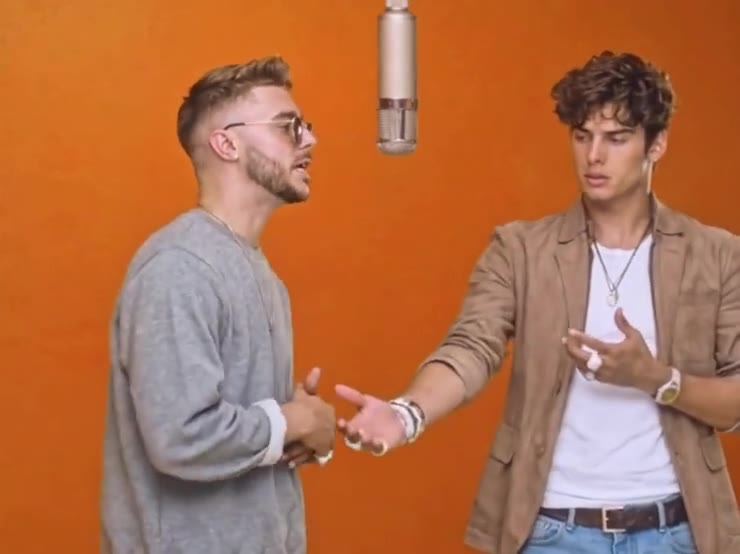
A useful photo is plain in the right way. One person, face large, looking toward the camera, in ordinary light. JPG, PNG, or WEBP, up to 10MB. A group shot, a heavy filter, or a hand over the mouth gives the generation too little face to hold onto.
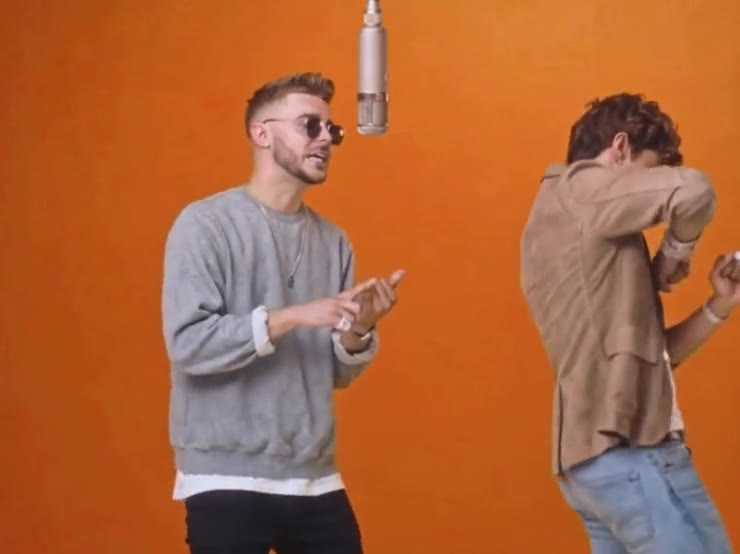
Match the number of photos to the template. Bulin 47 asks for one. Hotel Lobby asks for two. The trio dance asks for three. The same picture in every slot makes every person look like the same person.
- 01
Pick a clear face
Front view, face large, no heavy filter. The eyes should be visible even when the person in the clip wears sunglasses.
- 02
Use one photo per person
A different picture for each slot. The clothes in the preview stay with the clip.
- 03
Follow the slot labels
Person 1, Person 2, and Person 3 each replace a specific spot. The template page names the spot.
- 04
Compare the result to your photo
Look at the face, then the hands. If it drifts, try a sharper photo and run it again.
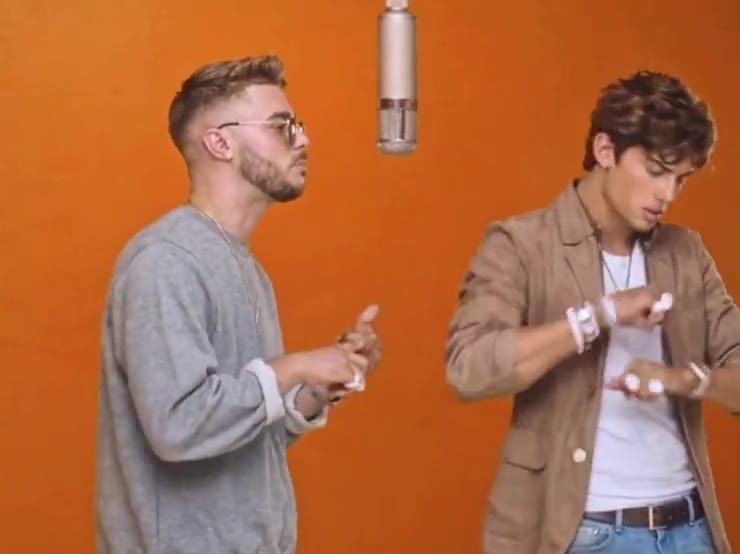
You are swapping who is in the clip. The wall, the microphone, the crowd, and the length stay. Fifteen seconds, 10 credits to start, and a failed run returns the credits.
Templates
Bring the photos. The clip is ready.
One photo, two, or three. Each live template is 15 seconds and 10 credits.
See the templates