Reels
How to Make AI Videos for Instagram Reels
A Reel needs a vertical clip and a still that makes sense before anyone taps. These templates are already that shape.
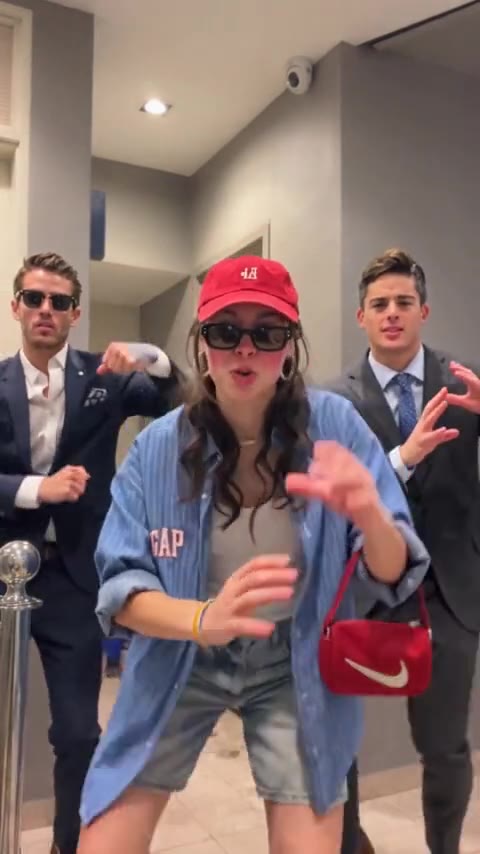
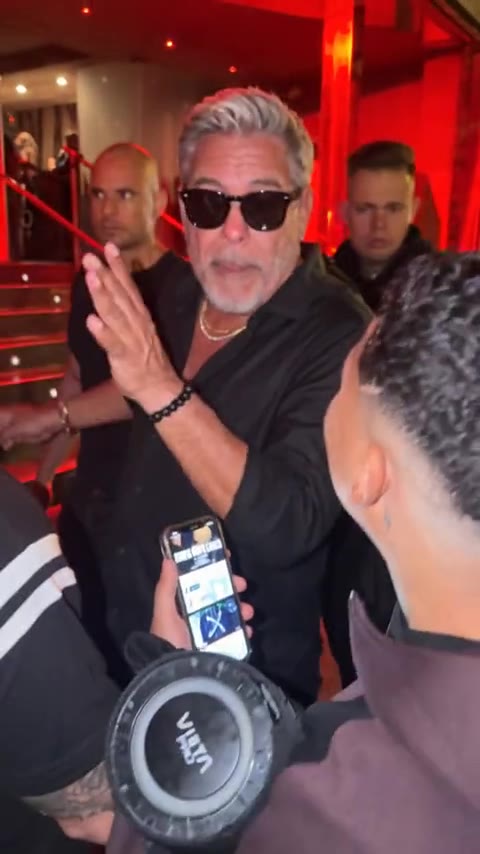
Reels uses the same tall frame as the dance templates: 9:16, about 15 seconds. People also see a cover still in the grid before the video plays. Choose a moment where the faces are large. On the trio, that moment is the lean toward the camera. On the solo clip, it is the face in the center of the red room.
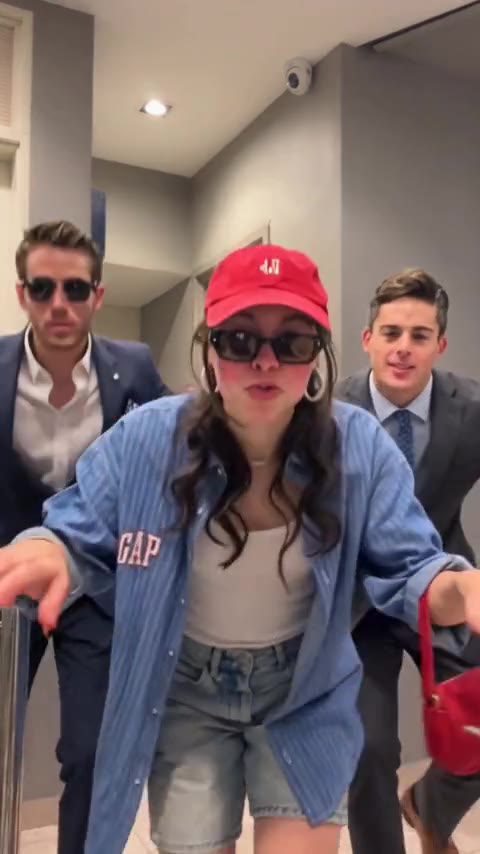
Generate the clip and download the file. Then add it in Instagram as a Reel, pick a cover where the face is still readable, and add the trend's sound inside Instagram. The file stays with you until you post it.
- 01
Pick the solo or the trio
Both are vertical. The trio gives you three faces in the cover. The solo gives you one face in the crowd.
- 02
Use a photo that can survive a still
Face large, eyes visible, no heavy filter. The cover is a single frame pulled from the clip.
- 03
Download the 15-second file
The run uses 10 credits. The file has no soundtrack. Add the trend's sound inside TikTok when you post. On Reels, add it inside Instagram.
- 04
Post it as a Reel
In Instagram, choose a cover frame where you can still tell who is in it.
Hotel Lobby is a 4:3 frame. It can be posted, and the dance templates match the Reel shape more closely. A failed run returns the 10 credits.
Bulin 47 Trio
Three people, one vertical clip.
Download it and post it as a Reel. The run uses 10 credits.
Open the trioMore guides
All guidesGuide
How to Make AI Videos for TikTok
clipredo.comTikTok
Read
Guide
Best Bulin 47 AI Video Generators
clipredo.comWhich clip
Read
Guide
How to Make a Bulin 47 AI Video With Your Photo
clipredo.comOne photo
Read
Guide
How to Make a Bulin 47 Trio Dance Video With Three Photos
clipredo.comThree photos
Read