One photo
How to Make a Bulin 47 AI Video With Your Photo
One clear photo. The clip puts that person in the middle of a red-lit crowd for fifteen seconds.
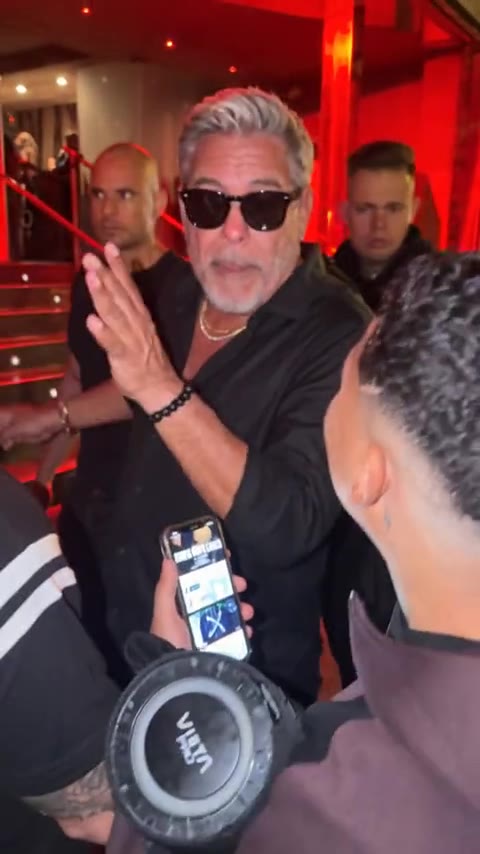
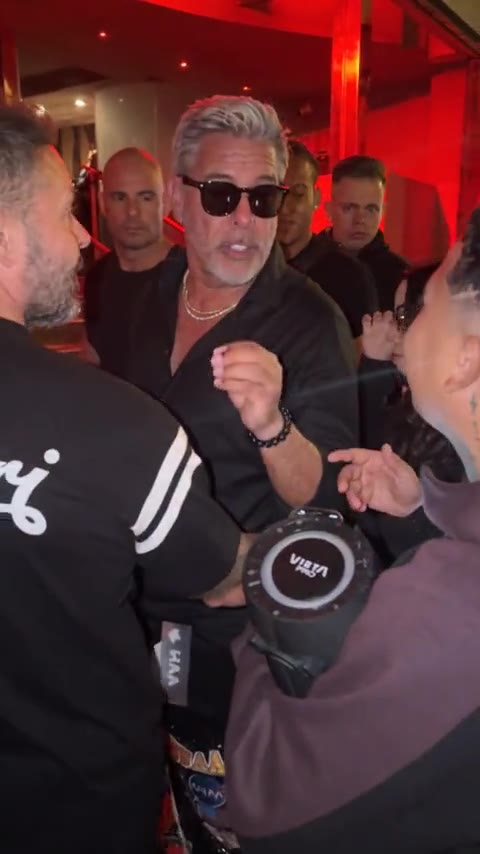
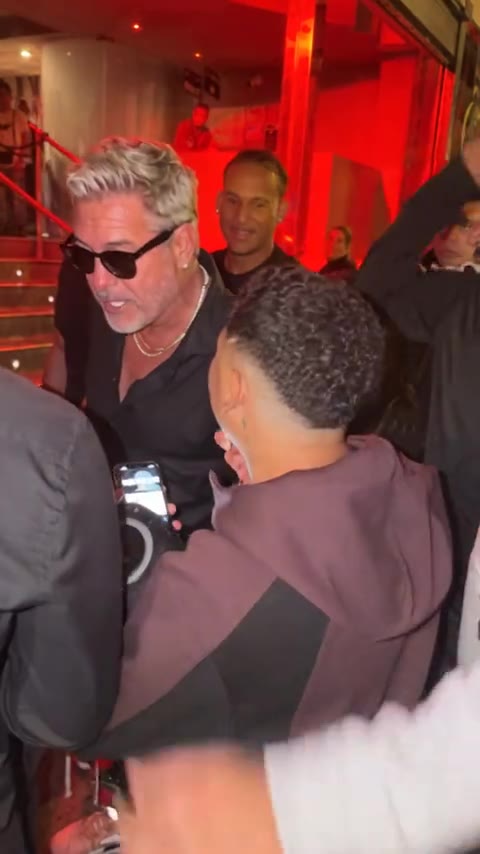
Open Bulin 47 and play the preview before you upload anything. The shot is a packed room under red light. One person stands in the center, black shirt open, sunglasses, a chain, hands moving. People around him have their phones up. Your photo replaces that center person. The room and the crowd stay.
You only need one photo, in the Person 1 slot. Use a picture of one person, face large, looking at the camera, in ordinary light. A group photo gives the generation too many faces to choose from.
- 01
Open Bulin 47
The preview is 15 seconds and vertical. Watch the hand moves once so you know what your photo is walking into.
- 02
Upload one photo
JPG, PNG, or WEBP, up to 10MB. The person in the clip wears sunglasses. Your own photo should still show the eyes and the shape of the face.
- 03
Start the clip
Starting uses 10 credits. It is one person and one run. If the run fails, those credits come back.
- 04
Watch the face, then download
Play it through the turns of the head. When the face holds, download it from the result. A different photo means a new run.
Skip a heavy filter and a hand over the mouth. The download has no soundtrack. Add the trend's sound inside TikTok when you post. On Reels, add it inside Instagram.
Bulin 47
One photo. Center of the room.
Fifteen seconds, vertical, 10 credits. A failed run returns them.
Open Bulin 47More guides
All guidesGuide
Best Bulin 47 AI Video Generators
clipredo.comWhich clip
Read
Guide
What Is the Bulin 47 AI Trend?
clipredo.comThe trend
Read
Guide
How to Make a Bulin 47 Trio Dance Video With Three Photos
clipredo.comThree photos
Read
Guide
How to Make AI Videos for Instagram Reels
clipredo.comReels
Read