Dance
How to Turn a Photo Into a Dance Video
The dance is already in the template. Your photo takes a spot in it, and the moves play for 15 seconds.
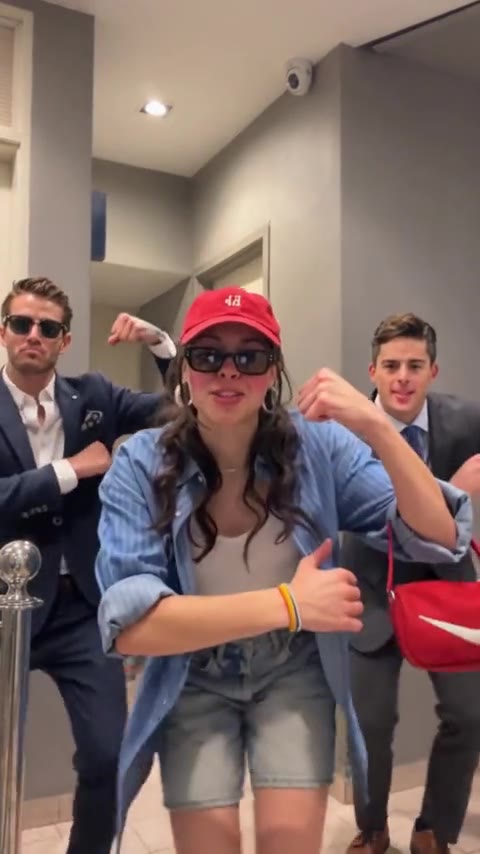
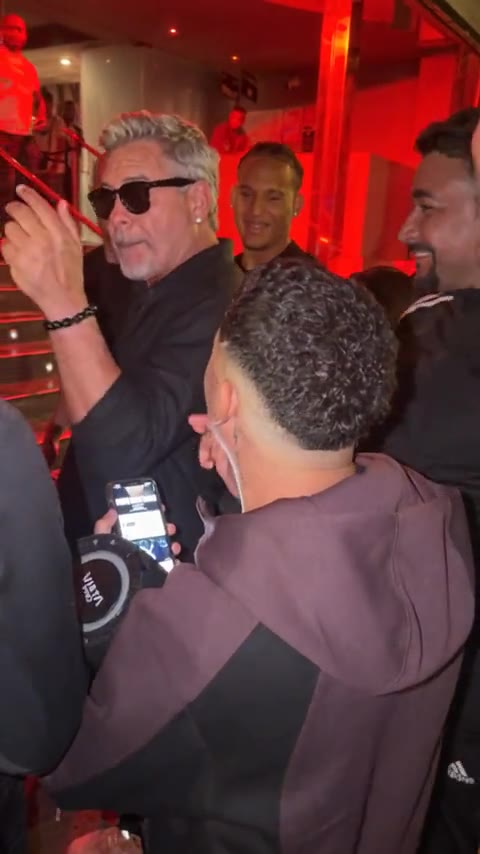
Two dance clips are live. Bulin 47 puts one person in the middle of a red-lit crowd, phones up, hands moving. The trio puts three people in a hallway, hitting the same moves together, arms and shoulders included. One photo for the first. Three photos for the second.
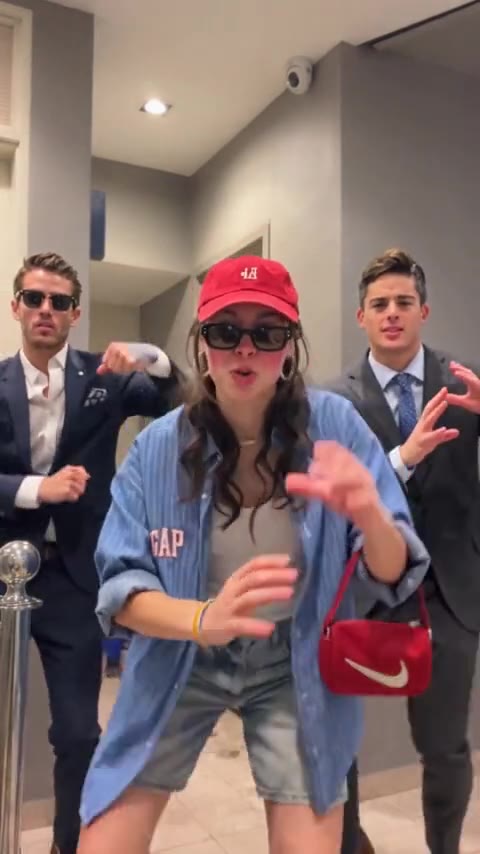
The generation tries to keep the choreography, the camera, and the timing. Quick arms are the part that can drift. A front-facing photo with the face and upper body visible gives it a better chance. The template already has the dance.
- 01
Pick the solo or the trio
Watch both previews. The crowd clip is one face. The hallway clip is a group doing the move together.
- 02
Add one photo per dancer
A clear face, a different photo for each person, JPG, PNG, or WEBP up to 10MB.
- 03
Start one run
The solo and the trio each use 10 credits. A failed run returns them.
- 04
Watch the arms, then the faces
If a hand or a face slips, swap that photo and run it again before you download.
Both dances are vertical, 9:16, about 15 seconds. Neither file includes a soundtrack. Add the trend's sound inside TikTok when you post. On Reels, add it inside Instagram.
Dance
One photo, or three.
The solo clip takes one photo. The hallway trio takes three. Each run is 15 seconds and 10 credits.
See the dance templatesMore guides
All guidesGuide
How to Make AI Videos With Your Own Photos
clipredo.comYour photos
Read
Guide
How to Make Viral Videos With AI
clipredo.comStart here
Read
Guide
Best Bulin 47 AI Video Generators
clipredo.comWhich clip
Read
Guide
How to Make a Bulin 47 AI Video With Your Photo
clipredo.comOne photo
Read