Start here
How to Make Viral Videos With AI
Pick a clip people already recognize, add your photo, and download a 15-second version with you in the frame.
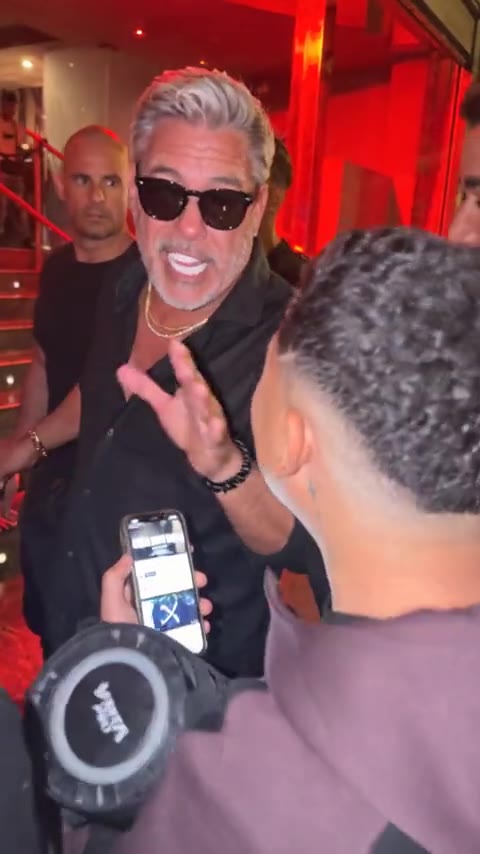
The clip is already made. The room, the timing, and the moves sit in the template. Your part is the face. On ClipRedo that means a red-lit crowd with one person in the middle, a hallway dance for three, or two people trading lines against an orange wall.
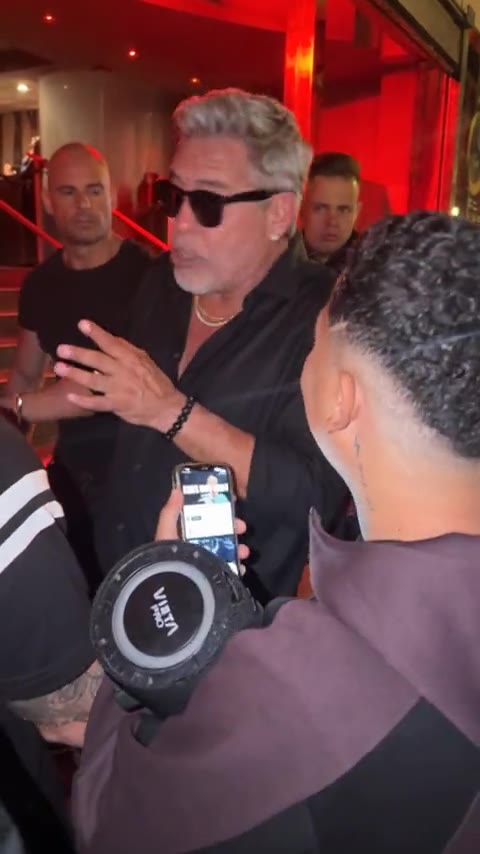
Open a template and watch the preview first. That preview is the video you are about to step into. Add the photos the page asks for, then start. One run makes the whole clip. You bring pictures, and the template brings the video.
- 01
Choose the template
Play the preview. If you would not post that clip with a different face, pick another one.
- 02
Add the photos
One, two, or three, depending on the clip. One person per slot, face large and easy to see.
- 03
Start the run
Starting uses 10 credits. If the run fails, those credits come back.
- 04
Preview, then download
Check the face through the fast moves, save the file, and add the trend's sound inside TikTok when you post. On Reels, add it inside Instagram.
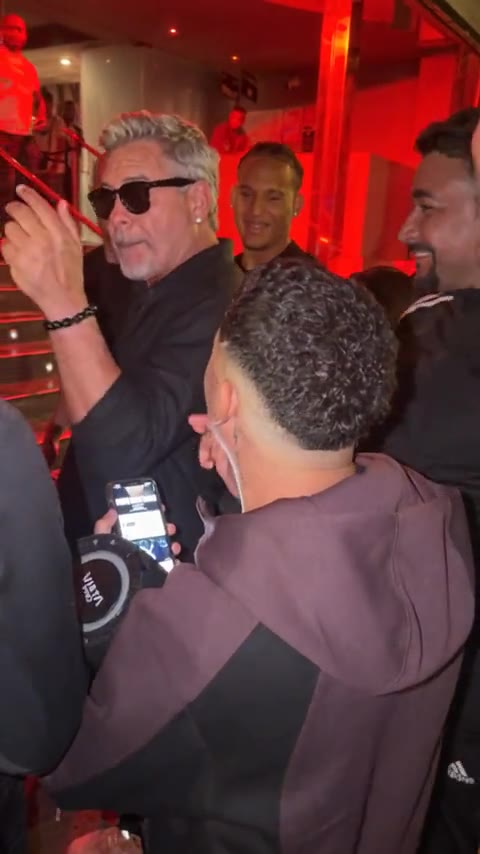
You download the file and post it yourself. The file has no soundtrack. Add the trend's sound inside TikTok when you post. On Reels, add it inside Instagram.
Templates
Start from a clip that already exists.
Every live template is 15 seconds and uses 10 credits. A failed run returns them.
Explore templates