The duo
How to Make the Hotel Lobby AI Rap Duo Video
This clip only works as a pair. One photo for the person in the grey sweatshirt. One photo for the person in the tan jacket.
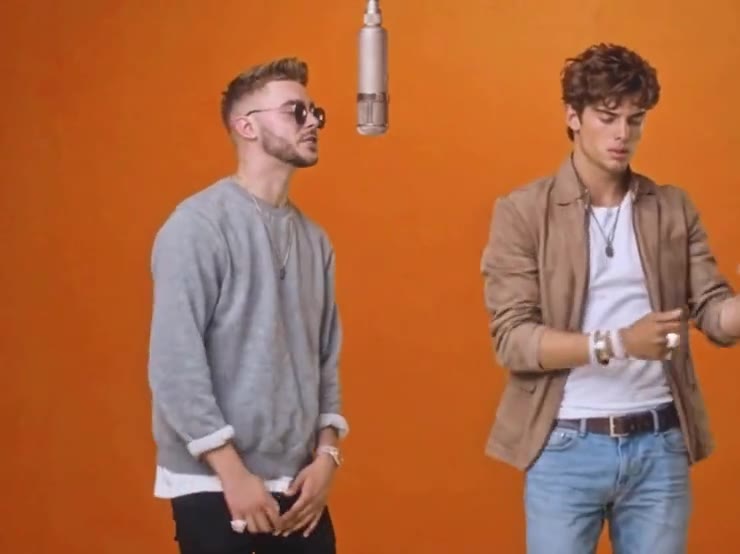
Watch the preview once and pick your roles before you upload anything. The two people stay in the same shot the entire time. They face each other, then face forward, and the microphone never leaves. You are casting a duo, so the two photos need to look like two people.
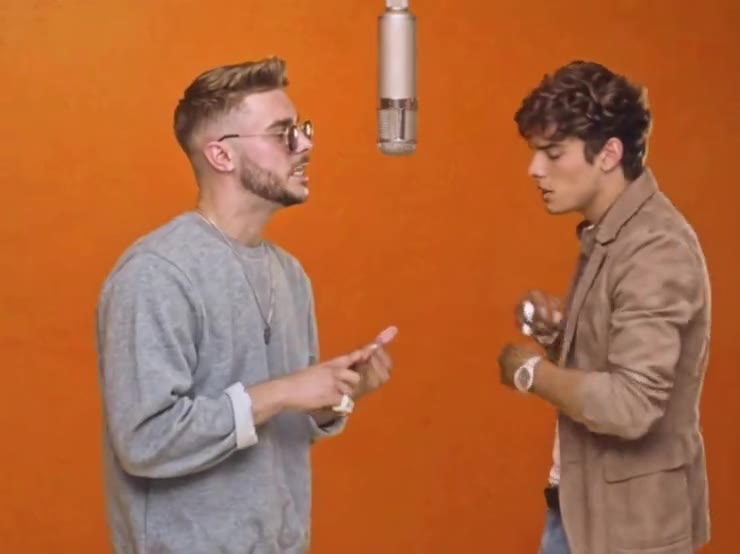
Person 1 and Person 2 on the template are not interchangeable labels you can ignore. Each slot replaces a specific performer. The template page says which is which. Put the matching photo in the matching slot, or the grey sweatshirt and the tan jacket will wear the wrong face.
- 01
Cast two different people
A friend, a partner, anyone whose face you can photograph clearly. Do not upload the same picture twice.
- 02
Keep the faces readable
Front view or a slight angle. No hand over the mouth, no heavy filter, no tiny face in a group photo.
- 03
Generate both at once
One run replaces both performers. It uses 10 credits. You do not make the left person, then the right person, as two jobs.
- 04
Check the pair, not just one face
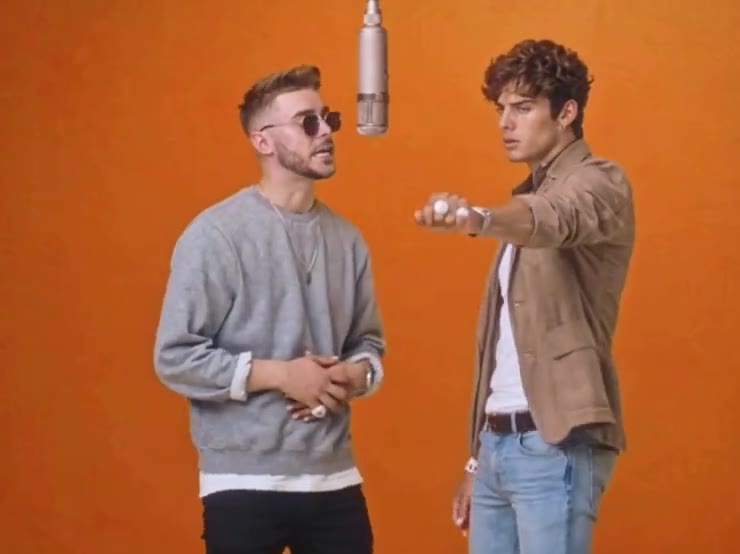
Play the result and watch both people through the hand moves. If one face slips, try a sharper photo for that slot and run it again.
The download has no soundtrack. Add the trend's sound inside TikTok when you post. On Reels, add it inside Instagram.
Hotel Lobby
Two photos. One clip.
The template is 15 seconds and uses 10 credits. A failed run returns them.
Open Hotel LobbyMore guides
All guidesGuide
How to Make a Hotel Lobby AI Video With Your Photos
clipredo.comMake it yourself
Read
Guide
What Is the Hotel Lobby AI Trend?
clipredo.comThe trend
Read
Guide
How to Make AI Duet Videos With Two Photos
clipredo.comTwo photos
Read
Guide
How to Recreate a Trending Video With AI
clipredo.comRedo a trend
Read