Make it yourself
How to Make a Hotel Lobby AI Video With Your Photos
Two clear photos. One template. Fifteen seconds later you have the orange-wall clip with your people in it.
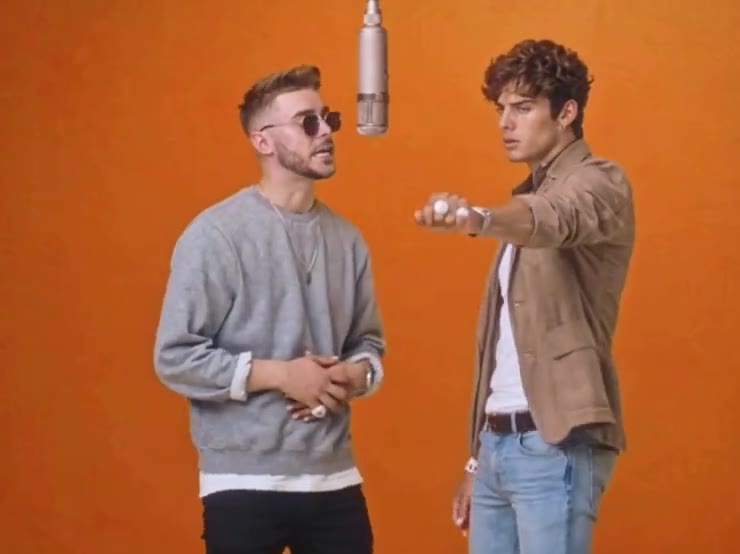
Open the Hotel Lobby template and look at the preview first. That is the clip you are stepping into: a flat orange wall, a microphone hanging between two people, and a lot of hand movement. You are not filming a lobby. You are lending two faces to a clip that already has the room, the timing, and the motion.
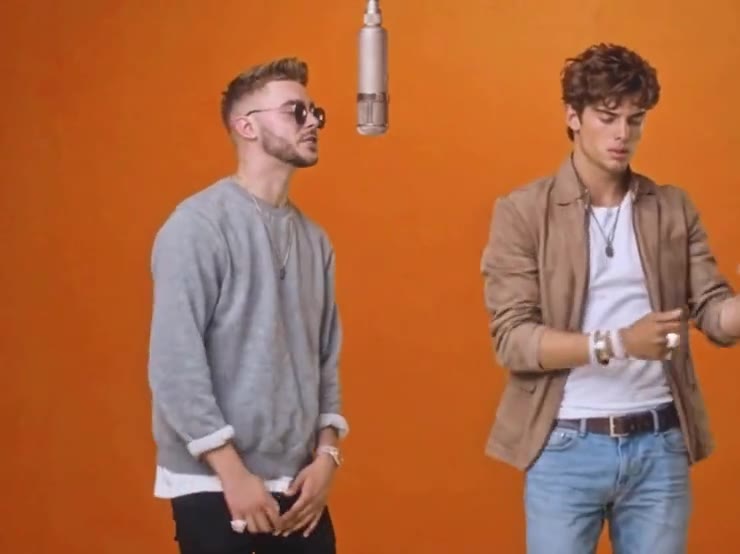
You need two photos, one for each person. Use a different picture for each slot. If both slots get the same face, the clip starts to look like one person copied twice. A front-facing photo in ordinary light beats a filtered selfie every time.
- 01
Open Hotel Lobby
It lives with the other templates. The preview plays the 15-second clip so you can see the moves before you spend anything.
- 02
Add Person 1 and Person 2
The page labels the two slots and says which performer each photo replaces. Follow those labels. JPG, PNG, or WEBP, up to 10MB.
- 03
Start the clip
Starting uses 10 credits. Both people are generated together, in one pass. If the run fails, those credits come back.
- 04
Watch it, then download
Check the faces first, then the hands. When it looks right, download it from the result. You can make another one with different photos.
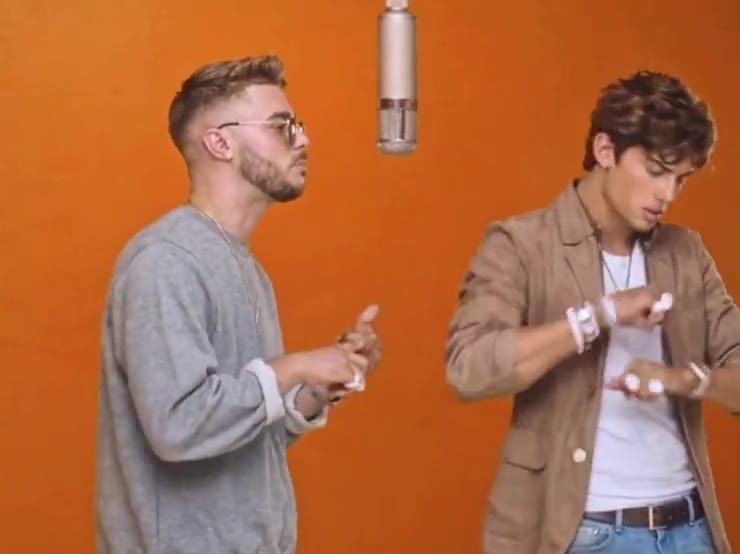
Skip sunglasses, a hand over the mouth, and heavy beauty filters. The person in the grey sweatshirt wears sunglasses in the preview, but your own photo should still show the eyes and the shape of the face. Blurry photos are the usual reason a result looks like a cousin of the person you uploaded.
Hotel Lobby
Two photos. One clip.
The template is 15 seconds and uses 10 credits. A failed run returns them.
Open Hotel LobbyMore guides
All guidesGuide
How to Make the Hotel Lobby AI Rap Duo Video
clipredo.comThe duo
Read
Guide
What Is the Hotel Lobby AI Trend?
clipredo.comThe trend
Read
Guide
How to Make AI Duet Videos With Two Photos
clipredo.comTwo photos
Read
Guide
How to Recreate a Trending Video With AI
clipredo.comRedo a trend
Read