TikTok
How to Make AI Videos for TikTok
The file is vertical, about 15 seconds, and ready to download. You upload it to TikTok yourself.
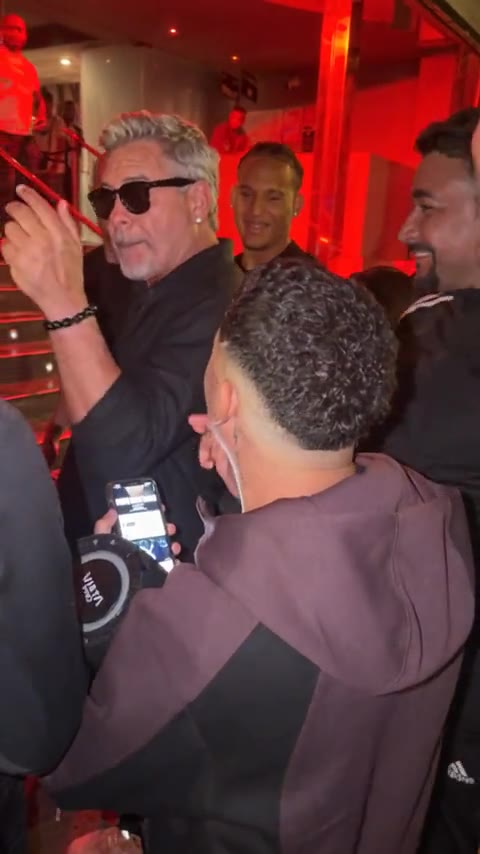
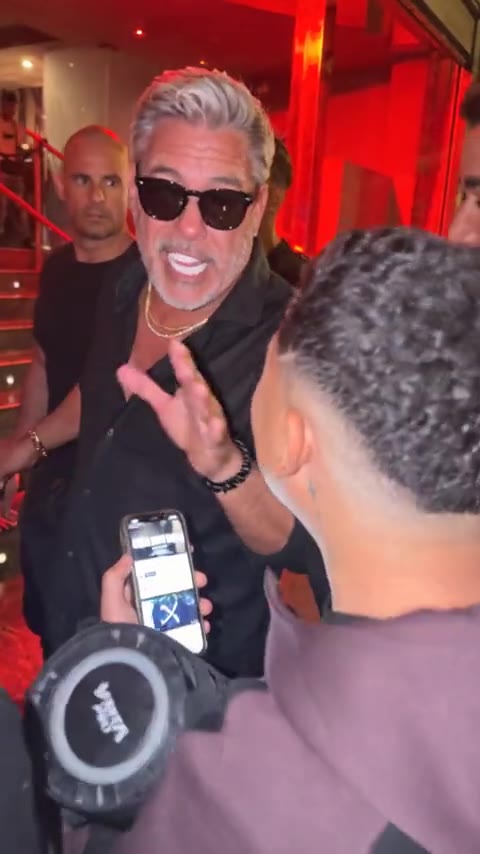
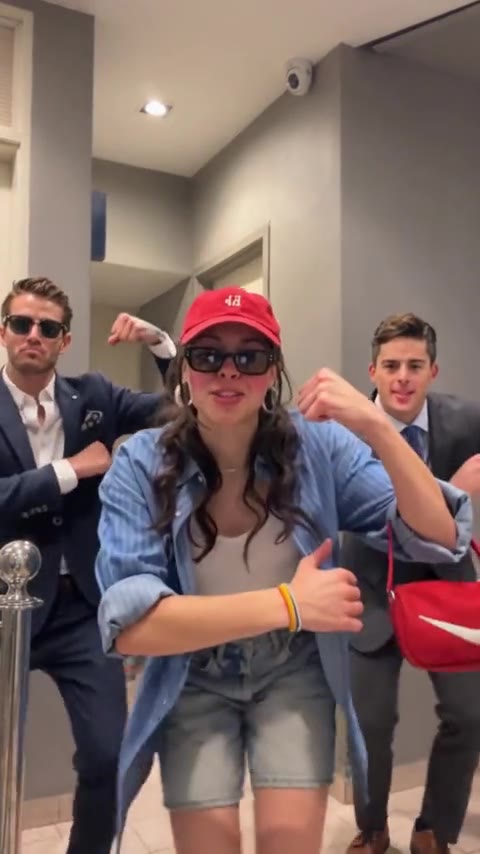
TikTok uses a tall frame. The two dance templates are already 9:16 and about 15 seconds, so the file fits that shape. Bulin 47 is one person in the red room. The trio is the hallway dance. Hotel Lobby is 4:3, wider than a TikTok frame, so the dance clips are the ones that sit in the feed.
Make the clip and download it. Then open TikTok, upload the file, and add the trend's sound inside TikTok. The download stays on your side until you post it.
- 01
Use a vertical template
Bulin 47 for one person. The trio when the post needs three people dancing together.
- 02
Add a clear photo
One face per slot. The person in the clip can wear sunglasses. Your photo should still show the eyes.
- 03
Generate and download
10 credits. The file has no soundtrack. Add the trend's sound inside TikTok before you post.
- 04
Download, then open TikTok
Upload the file in the TikTok app. The template is the whole post, about 15 seconds.
If a face slips, run it again with a sharper photo before you upload. A finished clip still uses the credits. A run that fails before the video is ready returns them.
Bulin 47
A vertical 15-second file.
Download it, then post it in TikTok. The run uses 10 credits.
Open Bulin 47More guides
All guidesGuide
How to Make AI Videos for Instagram Reels
clipredo.comReels
Read
Guide
Best Bulin 47 AI Video Generators
clipredo.comWhich clip
Read
Guide
How to Make a Bulin 47 AI Video With Your Photo
clipredo.comOne photo
Read
Guide
How to Make a Bulin 47 Trio Dance Video With Three Photos
clipredo.comThree photos
Read