A group
How to Make AI Group Videos With Multiple Photos
A group video here means three people. Three photos, three spots in a hallway dance, one generation.
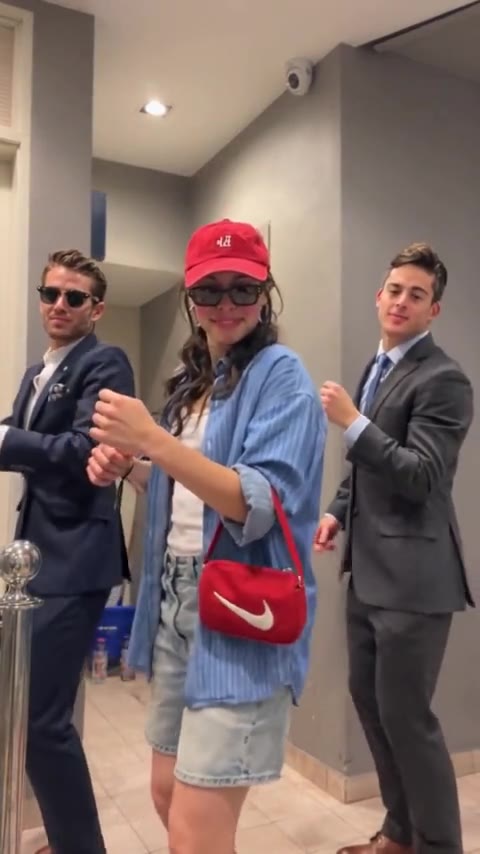
The group template is the Bulin 47 trio. Someone in front in a red cap and blue shirt, someone on the left in a navy suit, someone on the right in a grey suit. They dance the same moves in a hallway. You upload one photo for each spot, and the run replaces all three together.
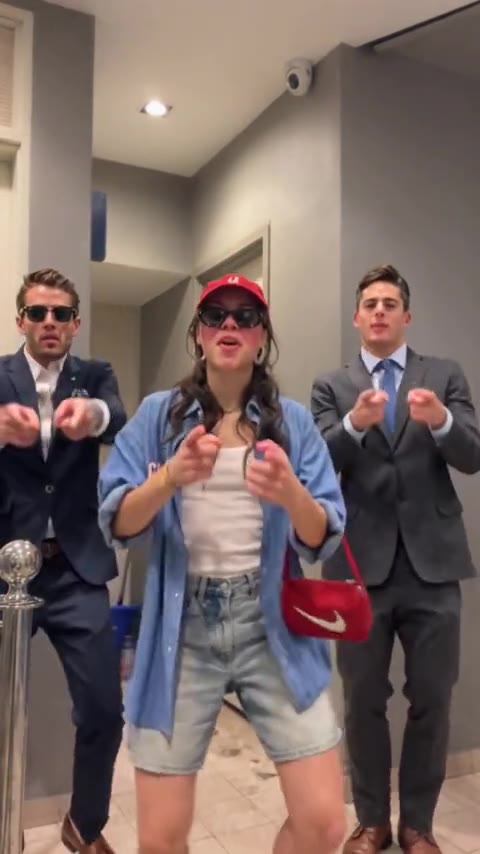
Multiple photos means these three slots. Person 1 is the person in front, Person 2 is on the left, Person 3 is on the right. The people filming in the red-room clip stay in the background. This template has three photos to add.
- 01
Pick three different people
A different photo for each. The same picture three times copies one face across the group.
- 02
Match front, left, and right
Follow the slot labels. A large, front-facing face holds up better than a tiny face in a group photo.
- 03
Generate the group once
One run replaces all three and uses 10 credits. A failed run returns them.
- 04
Watch all three
Play through the lean toward the camera. If one face slips, change that slot and run it again.
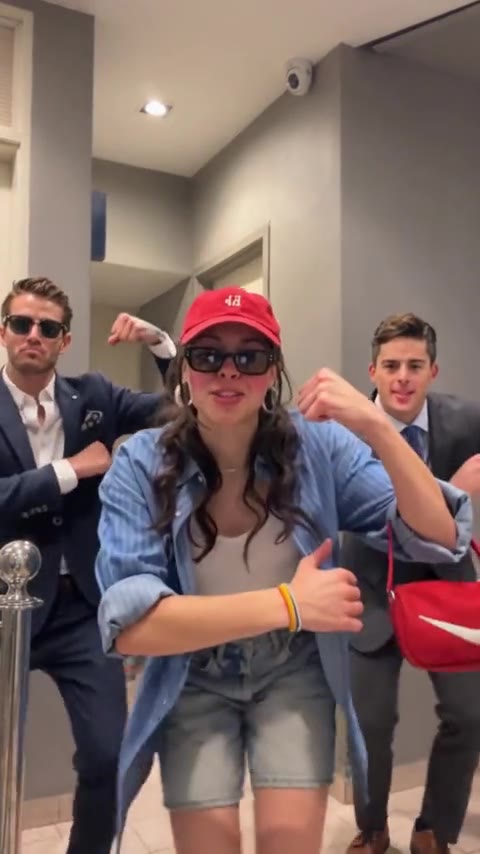
One photo belongs on the solo Bulin 47 clip. Two photos belong on Hotel Lobby. The trio is the clip that needs three. The download has no soundtrack. Add the trend's sound inside TikTok when you post. On Reels, add it inside Instagram.
Bulin 47 Trio
Three photos. One dance.
The whole group is replaced in a single 15-second clip. It uses 10 credits.
Open the trioMore guides
All guidesGuide
How to Make AI Duet Videos With Two Photos
clipredo.comTwo photos
Read
Guide
Best Bulin 47 AI Video Generators
clipredo.comWhich clip
Read
Guide
How to Make a Bulin 47 Trio Dance Video With Three Photos
clipredo.comThree photos
Read
Guide
How to Make AI Videos for Instagram Reels
clipredo.comReels
Read